
Millions of apps compete on the Google Play Store and Apple App Store, yet most struggle to break a few thousand installs. So how do the winners pull ahead?
In this guide, you will get 10 proven tactics to increase app downloads on both stores. We have shaped this from 100+ business conversations our team has had with founders and startups growing their apps. No filler. Just tactics you can start using this week.
First, Build an App Worth Downloading
Marketing only amplifies what already exists. Before you push installs, make sure your app earns them. Test it thoroughly, fix crashes, and polish the experience across devices.
App downloads are the number of times users install an app from an app store, and they are driven by visibility, a clear value promise, and trust signals like ratings. Get those three right and growth follows. If your foundation needs work, strong app development comes first.
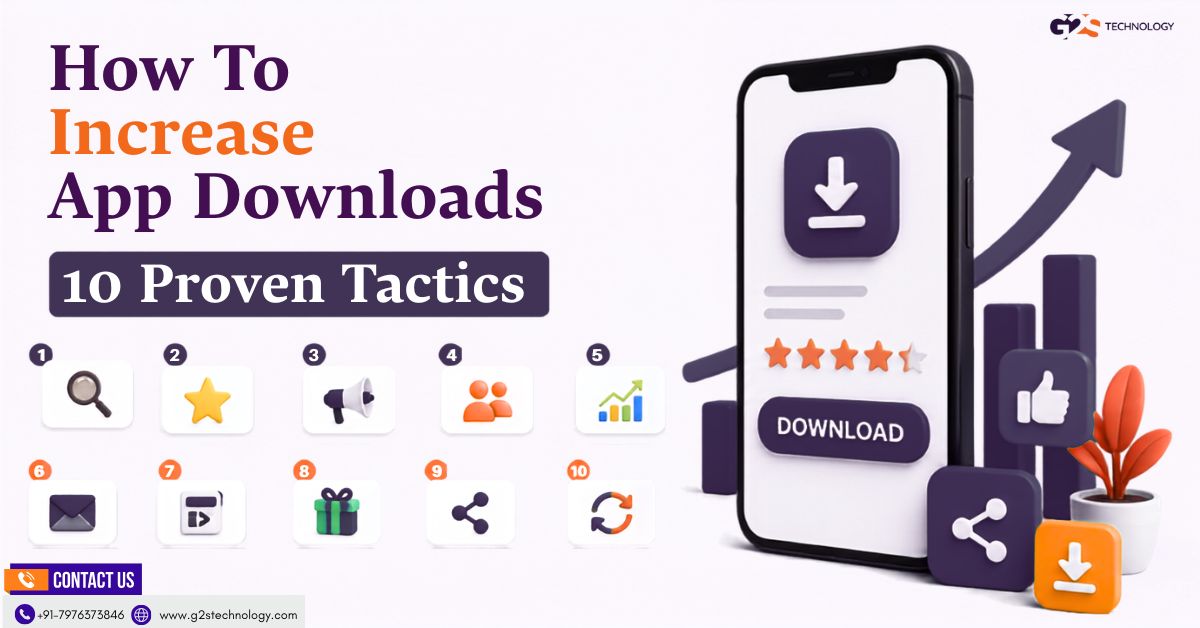
With a solid app in place, here are the 10 tactics that move the needle, grouped into three stages.
Also Read This:- Google Play Store Marketing: A Before & After Launch Guide
Stage 1: Get Discovered in Search and Stores
Most downloads start with a search. These four tactics make sure people find you in the first place.
1. Use Search Engine Optimisation (SEO)
SEO works indirectly but powerfully. By ranking a website or landing page for terms your audience searches, you capture people who are actively looking for an app like yours.
Build pages around real user intent, then link clearly to your store listings. Our SEO services can turn search traffic into installs over time.
2. Invest in App Store Optimisation (ASO)
App Store Optimisation (ASO) is the process of improving your store listing so it ranks higher and converts more visitors into installs. It is the single highest-leverage channel for organic downloads.
Key ASO elements to optimise:
- App icon and title.
- Description and keywords.
- Screenshots and preview video.
- Ratings, reviews, and regular updates.
Start at launch and refine continuously. The Wikipedia overview of app store optimisation is a solid primer, and our ASO team can handle the heavy lifting. For games specifically, see our ASO guide for games.
3. Write a Clear App Title and Description
Many users decide to install based on your title and description alone. Make both clear, benefit-led, and keyword-aware.
Lead with what your app does and why it matters. A catchy title with relevant keywords helps discovery, while a focused description closes the deal.
4. Localise for Multiple Languages
App stores reach a global audience, so speaking your users’ language matters. Localising your listing and app makes it feel built for them.
Even translating your title, description, and screenshots for key markets can lift installs noticeably. The more relevant the language, the higher the conversion.
Stage 2: Promote Across Channels
Discovery gets you found; promotion gets you noticed. These tactics actively push your app in front of new users.
5. Leverage Social Media
Social media is one of the biggest discovery channels for apps. Build buzz, share value, and point followers to your store listing.
Ways to drive installs through social:
- Create appealing, shareable content.
- Run paid user-acquisition campaigns.
- Partner with relevant influencers.
- Offer launch deals and discounts.
- Add clear links and CTAs, and post consistently.
For deeper context, see how user acquisition and ASO drive app growth. Our social media marketing and influencer marketing teams can run this for you.
6. Use Smart App Banners, Not Intrusive Pop-Ups
Driving installs from your website works best with non-intrusive prompts. Apple’s Smart App Banners and Android’s native install prompts let visitors install your app without disrupting their experience.
A trust note: avoid aggressive full-screen pop-ups on mobile web. Google can penalise intrusive interstitials in search rankings, as it explains in its guidance on accessible content. Subtle, well-timed prompts convert better and keep you compliant.
7. Send Out Press Releases
A well-placed press release turns your launch or milestone into news. Pitch outlets and journalists who cover your category.
Include links to your website and store listings so interested readers can install right away. Genuine media coverage builds awareness and credibility at the same time.
Stage 3: Build Trust and Momentum
Visibility and promotion bring users to your listing. These final tactics turn interest into installs and keep growth compounding.
8. Earn Positive Reviews and Ratings
Strong ratings tell the store algorithm your app is valued, which lifts its ranking and visibility. They also reassure new users before they tap install.
Important: prompt genuine ratings at a natural moment, and respond to feedback to show you are listening. Do not buy fake reviews or pay for ratings; both stores prohibit it and can remove your app. Honest reviews are the only safe path.
9. Launch a Referral Program
Referral and refer-and-earn programs turn happy users into promoters. Offer rewards like vouchers, redeemable points, or premium features for every successful referral.
Reward the referral or install action, not reviews, to stay within store rules. Done right, this creates a steady loop of word-of-mouth installs.
10. Offer Pre-Registration or Beta Access
Building interest before launch pays off on day one. Open pre-registration on the Google Play Console so users sign up early and auto-install at release.
A beta release also lets real users test your app and spread word of mouth. That early demand signals strong interest to the stores, which can boost launch visibility. For the full launch playbook, see our Google Play Store marketing guide.
Quick Recap: Your App Download Checklist
Here are all ten tactics in one place:
- Use SEO to capture search demand.
- Optimise your store listing with ASO.
- Write a clear, benefit-led title and description.
- Localise for your key markets.
- Leverage social media and influencers.
- Use smart app banners, not intrusive pop-ups.
- Send out press releases.
- Earn genuine reviews and ratings.
- Launch a referral program.
- Offer pre-registration or beta access.
Pick three to start with this week. Momentum beats trying to do everything at once.
Final Thoughts
There is no single switch that floods your app with installs. The apps that grow combine a few of these tactics, measure results, and double down on what works.
Start with ASO and a sharp store listing, add SEO and social, then build trust with reviews and referrals. Steady, honest effort wins the download race.
FAQ Section
How can I increase my app downloads?
Start with app store optimisation and a clear store listing, then add SEO and social media promotion. Earn genuine reviews, run a referral program, and use pre-registration before launch. A mix of organic and paid tactics works best, not any single one.
What is the difference between SEO and ASO for apps?
SEO improves a website’s ranking in search engines to send traffic to your app, while ASO improves your store listing to rank and convert inside the app store. SEO works indirectly; ASO works directly on the store. Most successful apps use both together.
Does social media really help app downloads?
Yes. Social media is one of the biggest discovery channels for apps, especially through shareable content, influencers, and paid campaigns. The key is to post consistently, add clear install links, and engage your audience genuinely.
Should I pay for app reviews or installs?
No. Buying fake reviews or paying for installs to manipulate rankings violates both Google Play and Apple policies and can get your app removed. Focus on prompting genuine ratings and earning honest word of mouth instead.
Do pop-ups help get more app downloads?
Aggressive full-screen pop-ups can hurt you, since Google may penalise intrusive interstitials on mobile web. Instead, use smart app banners and non-intrusive install prompts. These convert well without harming your search rankings.
How long does it take to grow app downloads?
Paid campaigns can drive installs within days, while organic tactics like ASO and SEO build over weeks and months. A realistic plan mixes both for quick wins and lasting growth. Consistency matters more than any single push.
What is app pre-registration?
Pre-registration lets users sign up for your app before it launches, and it can auto-install on release day. It builds early interest and a burst of day-one installs. That early demand can also improve your visibility in the store.